
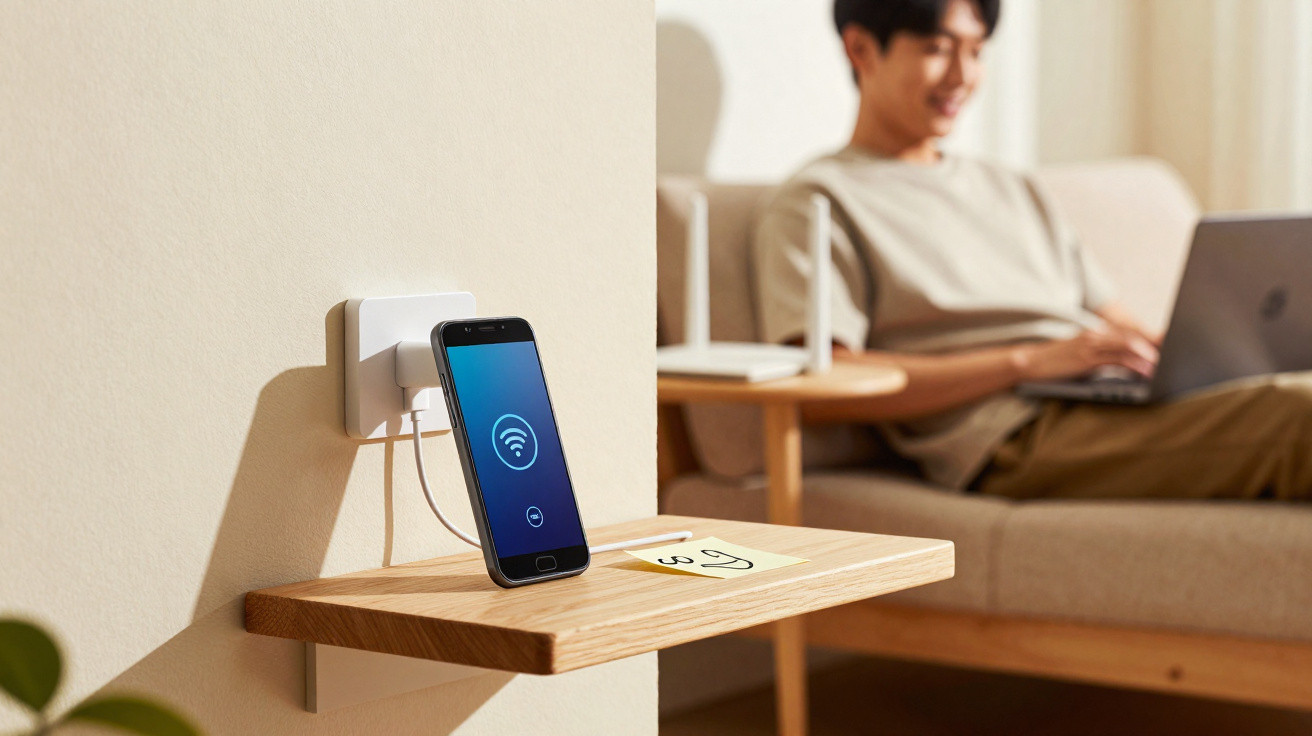
Before spending money on a new repeater or mesh kit, it is worth checking your drawer first: an old Android smartphone can extend your wireless network surprisingly effectively. With a few settings and the right placement, that unused device can become a free Wi-Fi booster.
Why your Wi-Fi struggles in certain rooms
Even current routers with powerful wireless chips have their limits. Transmit power is restricted by law, radio waves encounter obstacles, and neighbours broadcast on the same channels.
- thick concrete or brick walls
- floors with reinforcing steel between storeys
- interference from microwave ovens, wireless sockets or baby monitors
- excessive distance from the router
- low-cost or ageing Wi-Fi adapters in a laptop or television
The result is familiar: videos take ages to load, video calls freeze, and smart TVs repeatedly lose their connection. A conventional Wi-Fi repeater often fixes this, but it costs money - and many people underestimate how much unused technology they already have at home.
Old Android phone as a Wi-Fi repeater: the basic principle
Android smartphones have two key capabilities: they can join a Wi-Fi network and create their own wireless network as a “mobile hotspot”. Combining these functions creates a form of repeater.
With an old Android phone, you create a wireless bridge: it picks up the router signal and passes it on to the room with poor coverage.
Strictly speaking, this is not technically a traditional repeater, but a second access point that reaches the internet through the original network. In day-to-day use, this makes little difference - what matters is a more reliable connection.
Which devices are suitable
Not every very old smartphone is suitable as a booster. Check these three points:
- Android version: Hotspot features generally work reliably from around Android 8, although Android 10 or later is preferable.
- Battery condition: The device is best left permanently connected to its charger. A battery that is badly swollen or becomes hot is unsuitable.
- Wi-Fi standard: Devices supporting Wi-Fi ac (5 GHz) or ax (Wi-Fi 6) offer noticeably greater throughput, particularly for streaming.
An older Android tablet can also work well, especially if it normally sits unused in a corner. The essential requirements are that it can connect to the existing Wi-Fi network and provide a mobile hotspot.
Step by step: setting up the Android repeater
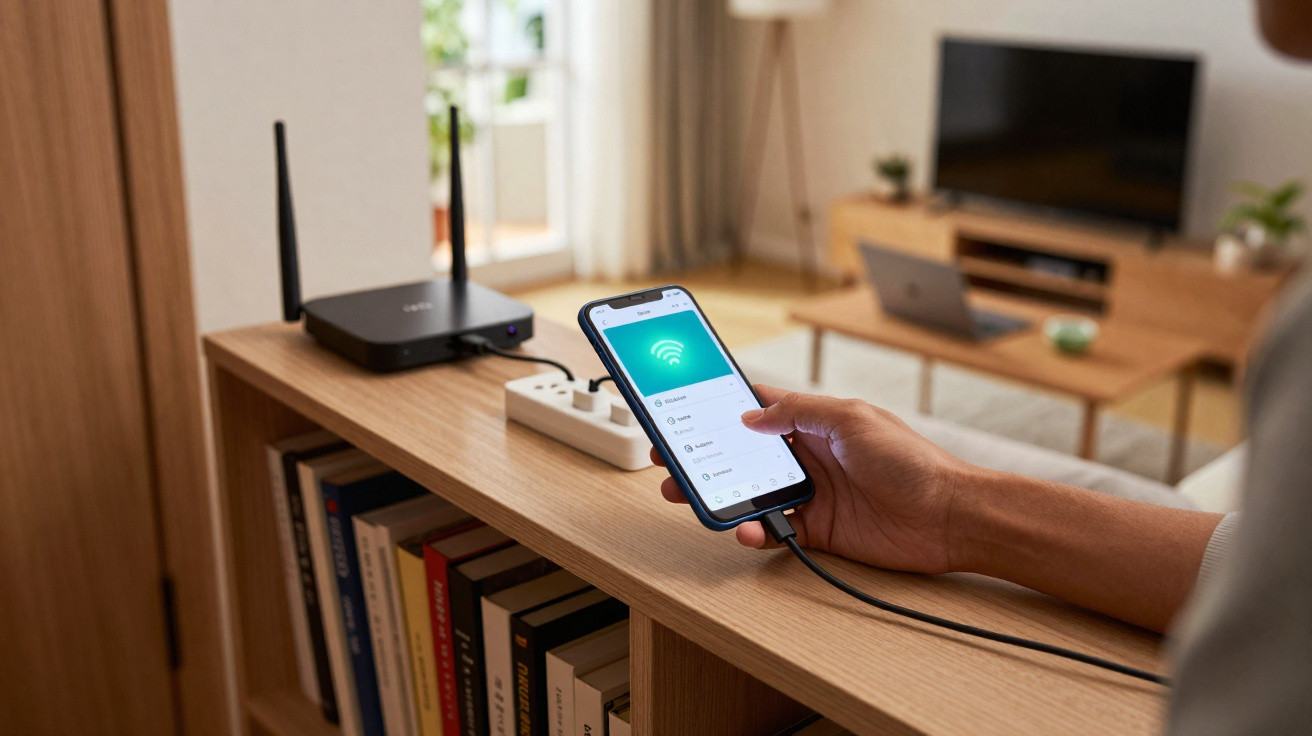
1. Connect the phone to the existing Wi-Fi
First, place the old smartphone close to the router and connect it to your current Wi-Fi network:
- Open Settings.
- Select Wi-Fi or Internet.
- Choose your home network and enter its password.
Briefly check in a browser that internet access is working. Without a dependable connection to the router, the remaining steps will achieve nothing.
2. Enable the mobile hotspot
Next, configure the hotspot through which other devices will later access the network:
- In Settings, open Connections, Network & Internet, or a similarly named section.
- Select Tethering & mobile hotspot or Hotspot & tethering.
- Turn on Mobile Wi-Fi hotspot.
Menu names vary slightly by manufacturer, but the layout is broadly similar. The ideal option allows the device to provide its own Wi-Fi while remaining online through Wi-Fi itself. Many newer Android versions support exactly this; on some older models, the hotspot works only with mobile data.
3. Choose the network name and password carefully
A simple trick can make the switch between the router and the phone booster as seamless as possible:
- Give the hotspot the same name (SSID) as your main Wi-Fi network.
- Use the same password and encryption standard (WPA2 or WPA3).
Many devices will then automatically connect to the stronger signal, whether it comes from the router or the phone. If this does not work smoothly in your setup, use a different name instead and connect manually.
4. Find the best location
The new Wi-Fi point should not sit too close to the router, as it will add very little extra coverage there. It must not be placed too far away either, because then it will barely receive a usable signal itself. The best position is a “midpoint” between an area with strong coverage and one with weak coverage.
A practical approach:
- Begin in a room with good reception and move gradually towards the problem area.
- Use a Wi-Fi testing app to measure signal strength and speed at several locations.
- Find a spot where the phone can still stream without difficulty, but the problem room is already starting to suffer.
Place the smartphone there on a stable surface, ideally in the open rather than in a cupboard or directly behind the television.
Tips to keep the Android repeater running reliably
Continuous operation puts demands on a phone, and a poor setup can create fresh problems. A few measures can help prevent them.
Keep an eye on power and heat
Leave the device connected to its charger, as operating as a hotspot uses a considerable amount of power. An older but good-quality charger is sufficient. If the smartphone becomes very hot, lower the screen brightness, disable unnecessary apps, and move it to a better-ventilated location.
Persistent high heat damages the battery and electronics. Slightly warm is preferable to permanently boiling hot.
Control the screen and notifications
To ensure your homemade repeater works discreetly in the background, you should:
- increase the screen timeout or disable Always-On mode
- turn off sounds and vibration
- uninstall or disable apps you do not need
- install software updates before putting the device in its final location
Many devices allow the display to be switched off completely while the hotspot remains active. This saves some energy and reduces wear on the screen.
Where the phone repeater excels - and where it does not
This improvised solution is not a replacement for a professional mesh system, but it can be entirely adequate in many everyday situations.
| Advantages | Disadvantages |
|---|---|
| no additional cost | speed may be limited depending on the model |
| reuse of old hardware | higher power consumption than a mini repeater |
| easy to move, for example for a party or home working | another device that needs maintaining |
| well suited to individual problem rooms | not ideal for very large houses with several storeys |
Alternative ways to improve your home network
If your old Android device is not suitable, or you want to expand coverage further, there are other ways to eliminate Wi-Fi dead spots:
- Powerline adapters: These send data over the electrical wiring and provide a Wi-Fi signal again at the destination.
- Mesh systems: Several coordinated units create one large shared network with a single name.
- Position the router better: Moving it away from a corner, placing it high on a shelf, and keeping it away from metal surfaces can make a surprisingly large difference.
- Adjust channels: Select a less congested Wi-Fi channel in the router settings, particularly on the 2.4 GHz band.
Often, simply combining a repositioned router with one additional access point is enough to make streaming and home working run smoothly in every important room.
Background: what a repeater actually does
A conventional Wi-Fi repeater receives the router’s wireless signal and retransmits it at greater range. It acts as an intermediary, thereby extending coverage. In practice, many models halve the available speed because they receive and transmit on the same wireless channel at the same time.
The phone method effectively creates a second Wi-Fi network that connects to the internet through the first one. Devices on the “phone network” do not communicate directly with the router; they connect through the smartphone instead. This is perfectly adequate for browsing or HD streaming, but this extra routing noticeably slows data-heavy tasks on the home network, such as large backups to a NAS.
When the conversion is particularly worthwhile
Using this setup is especially useful in common everyday scenarios:
- You want stable Netflix streaming in the bedroom, while the router is in the living room.
- The child’s bedroom has poor Wi-Fi, which is barely sufficient for remote learning or gaming.
- Video conferences stutter in a home office at the other end of the flat.
- The connection repeatedly drops on the balcony or patio.
In these cases, one additional hotspot is usually enough. For a house with several storeys and numerous smart-home devices, a professional expansion is the more sensible choice, although the phone repeater can serve as a temporary solution until a larger setup is in place.
Keep risks and security considerations in mind
Anyone bringing an old smartphone back onto the network should consider security. Older Android versions no longer receive updates and often contain known vulnerabilities. Therefore, use the device only for the hotspot, avoid banking or email apps, and, where possible, prevent new applications from being installed.
Make sure the hotspot is secured with WPA2 or WPA3, and choose a strong, separate password. Open or poorly protected networks invite others to use your internet connection or, in the worst case, misuse it for illegal activities.
With a little care and a device that is not completely outdated, a dusty smartphone can become a useful tool for closing everyday Wi-Fi dead spots - without buying anything new or spending hours on setup.



Comments
No comments yet. Be the first to comment!
Leave a Comment