
A technique that is still relatively little known.
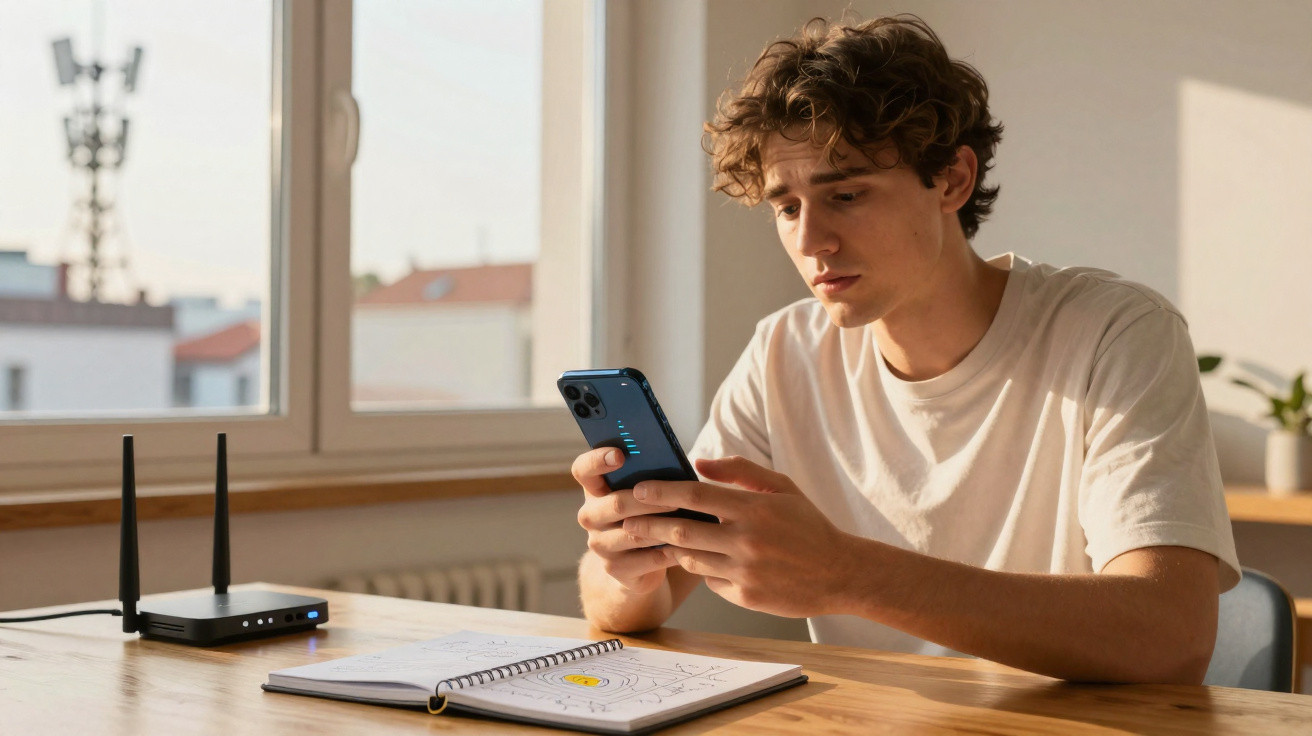
You have probably experienced this particularly frustrating situation: when visiting a public place, and sometimes even at home, your smartphone's 4G or 5G mobile network reception is not up to scratch. This can disrupt internet browsing, music streaming, gaming sessions, social-media scrolling and even phone calls.
However, there is a very simple tip that can sometimes boost signal reception in just a few seconds. Here is everything you need to know about this method, which could help you out of an awkward situation.
Airplane mode: your new ally?
First, it is worth knowing that this approach works equally well on iPhone and Android devices. Simply switch your phone's airplane mode on, then turn it off again. Its primary purpose is to disable the smartphone's wireless transmissions, but this action also refreshes every wireless connection.
Your phone will therefore disconnect from the surrounding mobile masts before reconnecting to the nearest available mast, which may offer better bandwidth. If that happens, the connection issues and slowdowns may be resolved, allowing you to make fuller use of 4G or 5G networks.
As you might expect, this technique will not work everywhere, particularly if nearby masts are already overloaded or too few in number. It also appears that using airplane mode excessively may increase battery consumption, so it should not be done repeatedly.
Other ways to improve mobile reception
Another free and straightforward way to improve your smartphone's mobile signal is to restart the device. This resets faulty temporary connections and prompts the phone to reconnect to the strongest available network. Again, it will not work every time, but weak reception problems can sometimes be fixed in seconds.
In practical terms, all you need to do is switch off your device, wait 30 seconds, then turn it back on. Afterwards, check the signal bars or test your calls. If the issue remains, you can also try updating your smartphone, which may likewise improve signal reception over time.
We hope these methods will help you solve these problems. Do you have any other solutions in mind for dealing with these recurring issues? Let us know in the comments.




Comments
No comments yet. Be the first to comment!
Leave a Comment