
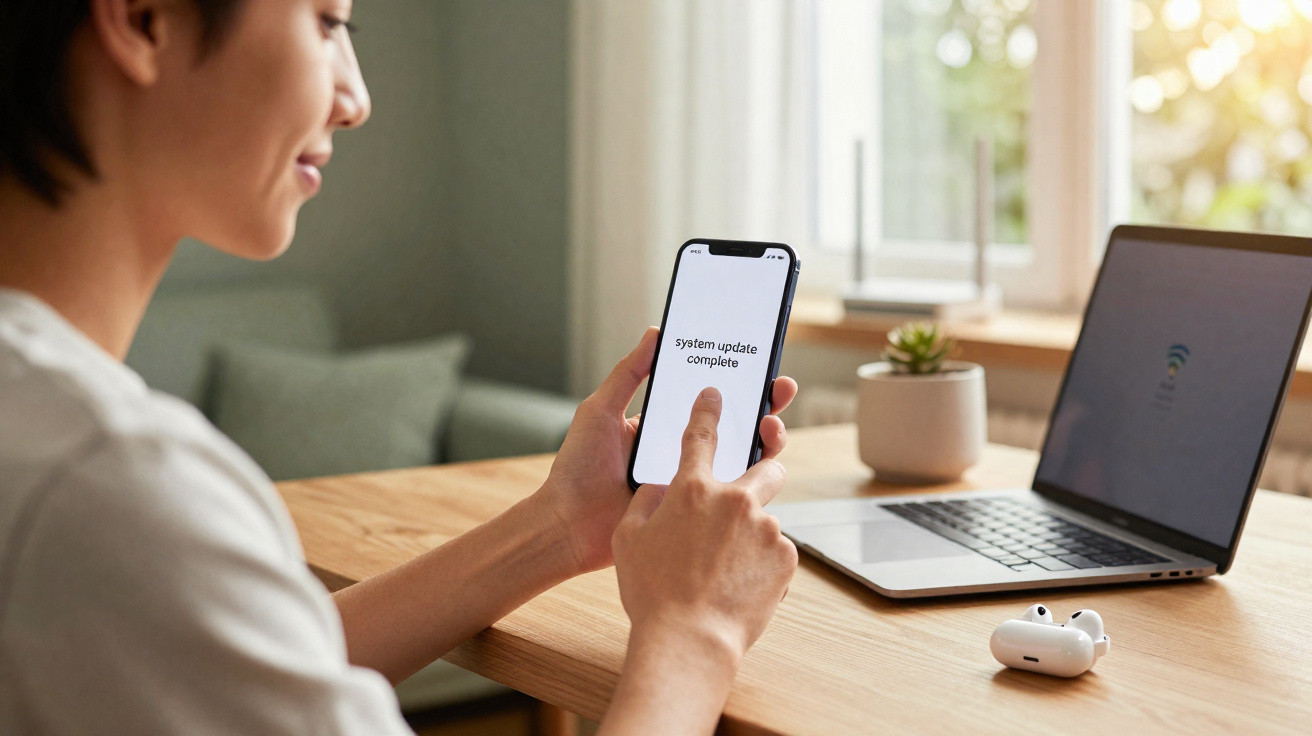
Google’s newest patch is arriving for its smartphones with a straightforward aim: make everyday use more dependable, eliminate persistent faults and reassure people affected by display, connection or interface problems in recent months.
December 2025 Pixel update reaches all recent models, including Pixel 6
Google is now distributing the December 2025 Pixel update across its full supported range, covering everything from the Pixel 6 series to the Pixel 10 Pro Fold. This is significant because previous monthly releases had excluded the older Pixel 6 range, meaning its owners remained affected by bugs already resolved on newer handsets.
As usual, Google is releasing the software in stages. It can take a number of days to arrive on every phone, depending on the model, region and mobile network. The patch is delivered over the air and requires the handset to restart during installation.
Most compatible phones receive build BP4A.251205.006, while the Pixel 9 and Pixel 10 ranges use the slightly altered BP4A.251205.006.A1 build. Every eligible device needs to be running Android 16 already.
The December patch unifies the entire Pixel 6 and newer lineup on a single, heavily bug‑fix‑focused release.
Google targets Pixel display faults in its extensive fix list
Google’s changelog amounts to a lengthy acknowledgement of screen issues that users have reported for months. Both standard and foldable Pixel owners have encountered flickering, black displays and inconsistent behaviour connected with always-on display functions and gaming.
Flickering displays, black screens and brightness problems
A substantial set of corrections addresses displays behaving unpredictably. Some owners experienced flickering when waking their handset or moving between apps. Others were met with a black screen immediately after unlocking from always-on display, leaving them to lock and unlock the phone again or restart it.
Pixel foldables brought a separate set of frustrations. Their internal displays could flicker when opening particular games, notably titles with high refresh rates. This behaviour appeared to stem from an interaction between the GPU, refresh-rate management and game rendering, and should now be resolved.
Brightness management was affected by another fault. In certain situations, the display remained unusually dim after waking, with normal brightness returning only after switching the screen off and back on. The latest release improves the relationship between the ambient-light sensor, adaptive-brightness system and system interface to prevent this cycle.
For many Pixel owners, the most visible change will be something they no longer notice: a screen that simply wakes, stays lit, and behaves consistently.
Why these Pixel display fixes are more important than they seem
Screen faults are seldom merely cosmetic. A flickering panel can cause headaches, use more battery through repeated wake events and potentially increase OLED burn-in risks when on-screen elements freeze or malfunction.
For foldable devices, problems with the inner screen are more concerning because these panels already endure mechanical pressure through daily folding. A fault during gaming can place extra demand on the GPU and raise handset temperatures, adding further stress. Reducing these issues is therefore about more than improving the experience; it can help safeguard hardware that costs four figures in many markets.
Connectivity and emergency calling receive needed stability improvements
The December update also places considerable emphasis on network dependability, especially for Wi-Fi, Bluetooth and emergency calls. These may not be features people think much about, but their failure is immediately frustrating.
Wi-Fi, Bluetooth and unexpected audio failures
Some Pixel users encountered random audio crashes, with sound stopping during music, video or calls and occasionally requiring a full restart before it returned. The patch addresses these faults, apparently by improving interactions between the audio stack, Bluetooth accessories and background processes.
Bluetooth devices including headphones and car kits should also pair and reconnect with greater consistency. Reports had described accessories losing their connection or failing to reconnect after users moved out of range and then returned. Google’s fix list identifies improved stability in these circumstances.
Wi-Fi faults have received fixes too. Users reported abrupt disconnections from otherwise stable networks, while some phones would not reconnect unless Wi-Fi was turned off and on again. The update refines the way the connection manager deals with roaming, crowded networks and power-saving modes.
Connectivity bugs often feel random to users, but they usually come from subtle clashes between power saving, drivers, and background apps. This patch attacks those weak points.
Emergency calls: a minor-sounding fix with serious consequences
The update’s most sensitive change may concern emergency calling. Google indicates that it has fixed intermittent instability during emergency calls. Although the company offers no detailed explanation, even infrequent failures in this area present genuine real-world danger.
Today’s phones must manage VoLTE, 5G, Wi-Fi calling and roaming profiles. One incorrectly handled handover during an emergency call could end the connection or slow its establishment. Even if this bug was limited to certain regions or networks, correcting those routes warrants more consideration than a brief changelog entry implies.
User interface refinements bring less jank and greater polish
Alongside deeper system-level changes, the release adds visible improvements to the Pixel interface. Individually, many of these changes appear small, yet together they should make the phone feel more consistent and less eccentric.
Extra Dim, gestures and a tidier notification shade
The “Extra Dim” quick-settings control should now work as people anticipate. Previously, it could sometimes decline to switch on or remain enabled in unexpected circumstances, conflicting with adaptive brightness. The patch removes that inconvenience for users who rely on Extra Dim at night or in dark environments.
Gesture controls, another central part of the Pixel experience, are also becoming more responsive. Some owners said that back and home gestures either failed or responded slowly, particularly with full-screen apps open. Google has adjusted gesture navigation to reduce unregistered swipes and improve edge detection.
There should be less visual disorder as well. Google says it has corrected overlapping elements in the notification shade. The bug could cause text or icons to appear over one another, particularly when the panel contained numerous notifications and quick controls.
The keyboard should also display more steadily in the app drawer, where it could previously flicker. This matters to people who regularly search for apps rather than browse through home-screen pages, since display flicker can be distracting and make the experience feel less polished.
Improved fingerprint unlocking and charging-limit reporting
Fingerprint authentication, an ongoing weak point for some Pixel generations, receives additional reliability improvements. Google refers to instances in which fingerprint unlocking failed for no obvious reason. Such failures were often related to timing between the sensor, display status and system security checks. Better synchronisation among those components should reduce unexplained rejections.
The update also addresses battery behaviour. Some users saw the battery icon change into a question mark, indicating that the system had lost track of the actual charge level. While that visual error did not always signal a genuine battery fault, it created uncertainty and concern. The December release corrects this status discrepancy.
Google has further refined how the 80% charge limit setting displays its status. Designed to reduce longer-term battery degradation by halting charging at roughly 80%, the feature occasionally presented inaccurate information. The update is intended to ensure that the displayed state matches the charging controller’s actual behaviour.
Charging limits, when they work correctly, trade a small slice of daily capacity for longer battery lifespan, which matters as phones stay in pockets for three or four years.
Which phones receive the December 2025 Pixel update?
The patch applies to all Pixel phones from the Pixel 6 generation onwards, as long as they are running Android 16. Eligible devices include:
- Pixel 6 and Pixel 6 Pro
- Pixel 7 and Pixel 7 Pro
- Pixel 8 and Pixel 8 Pro
- Pixel 9 series
- Pixel 10 and Pixel 10 Pro
- Pixel 10 Pro Fold and other recent foldable variants
The build numbers are mainly divided into two versions:
| Device family | Android version | December build |
|---|---|---|
| Pixel 6 to Pixel 8 | Android 16 | BP4A.251205.006 |
| Pixel 9 and Pixel 10 series | Android 16 | BP4A.251205.006.A1 |
Delivery timing varies between countries and carriers. While some people will get the update on its first day of release, others may wait several days for the notification.
How Pixel owners should approach this update
Because of the wide range of fixes, most owners should install the December update when it suits them. Saving a backup of recent photos and messages before any system update remains sensible, despite Google’s generally dependable OTA process.
Anyone previously affected by display flicker, Wi-Fi disconnections or fingerprint faults can carry out several checks after installing it to verify the changes. These should include:
- Locking and unlocking from always-on display several times.
- Walking between rooms or floors while using Wi-Fi to check whether the connection remains stable.
- Connecting frequently used Bluetooth accessories, such as earbuds and car systems.
- Using gesture navigation in full-screen apps and games.
- Watching the battery icon and 80% limit over a full day.
Should issues continue, users can send feedback through the built-in reporting options in system settings. Such information frequently informs follow-up releases, particularly for unusual hardware or carrier configurations that Google cannot completely recreate in its laboratories.
What the update suggests about the next generation of Pixels
The emphasis on fixes instead of headline features quietly signals a change in priorities. With Pixel 11 rumours pointing to major improvements in performance and battery life, Google still has to ensure that current models feel dependable and stable. Frequent, substantial maintenance releases such as this suggest the company recognises that software polish can sell phones as effectively as camera features.
For power users, the work on details including charging limits and gesture reliability points towards Android’s direction: fewer attention-grabbing switches and more careful improvement of existing features in difficult edge cases. That approach may not always attract headlines, but it affects how a phone feels on day 300 just as much as it does on day one.

Comments
No comments yet. Be the first to comment!
Leave a Comment