
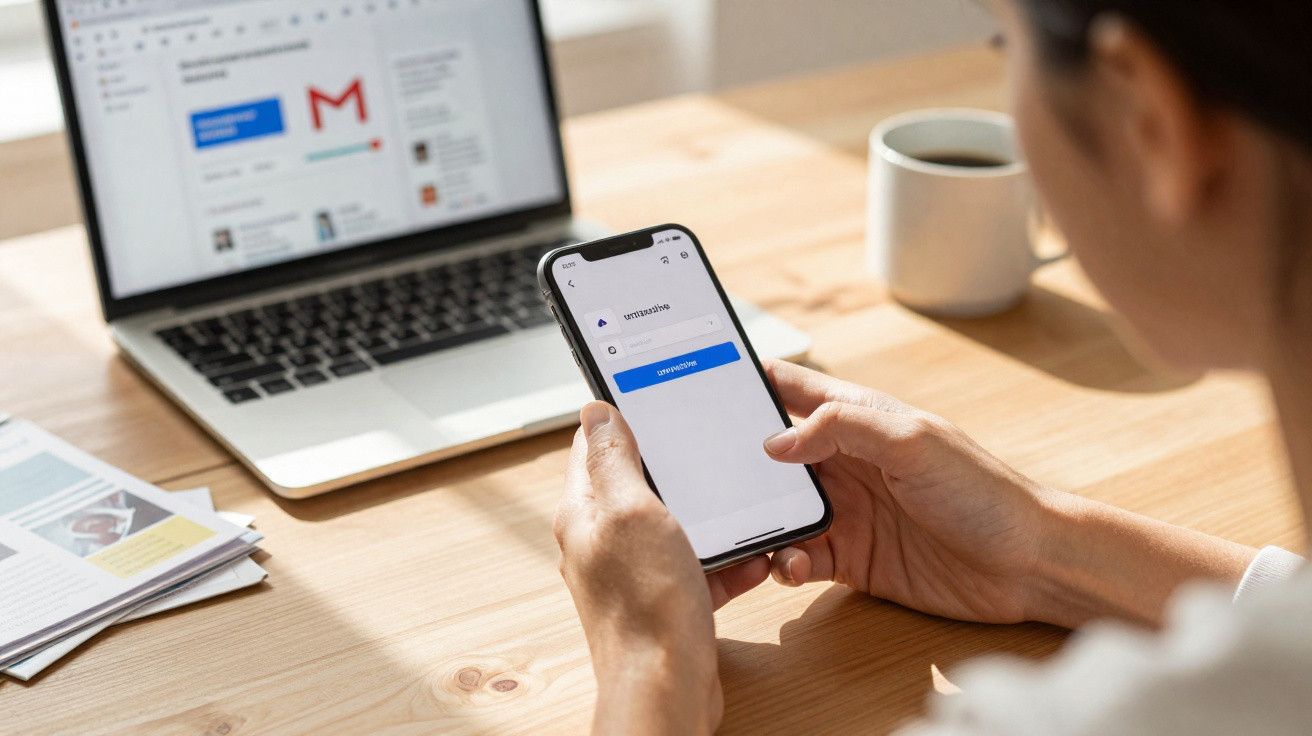
Gmail includes a feature that helps you clear out your inbox by unsubscribing from senders of unwanted emails without leaving the app. This dedicated interface displays a list of senders and lets you unsubscribe with a single click. Once you unsubscribe from a sender, their messages are sent to the spam folder.
Our digital lives often require us to provide an email address to online services or apps in order to access a feature or content. Unfortunately, once that address has been shared, some developers inundate us with newsletters and spam that we do not necessarily want. As a result, many internet users spend a great deal of time regularly tidying their inboxes and deleting unwanted messages.
Fortunately, Google already offers Gmail users a feature that can almost remove this recurring chore. It does so by making it easier to unsubscribe from newsletters through a dedicated interface. Rather than deleting emails from services that send these newsletters every time they arrive, you can unsubscribe easily without leaving Gmail.
Gmail: how to use the newsletter unsubscribe interface
To access this feature, go to the desktop web version of Gmail or open the mobile app. Next, open the menu on the left, expand the “More” menu on desktop, then select “Manage subscriptions”. Gmail will show you a list of senders. On mobile, you can unsubscribe from each sender by tapping the button on the right of every entry, as in the image below; on desktop, use the “Unsubscribe” button.
Check a sender before unsubscribing in Gmail
Before unsubscribing from a sender, make sure their messages are not likely to include important information. After you unsubscribe from a sender, “all new emails that they send you are placed in your spam folder”. Gmail will also display a banner in the spam folder to remind you why a message was placed there.






Comments
No comments yet. Be the first to comment!
Leave a Comment