
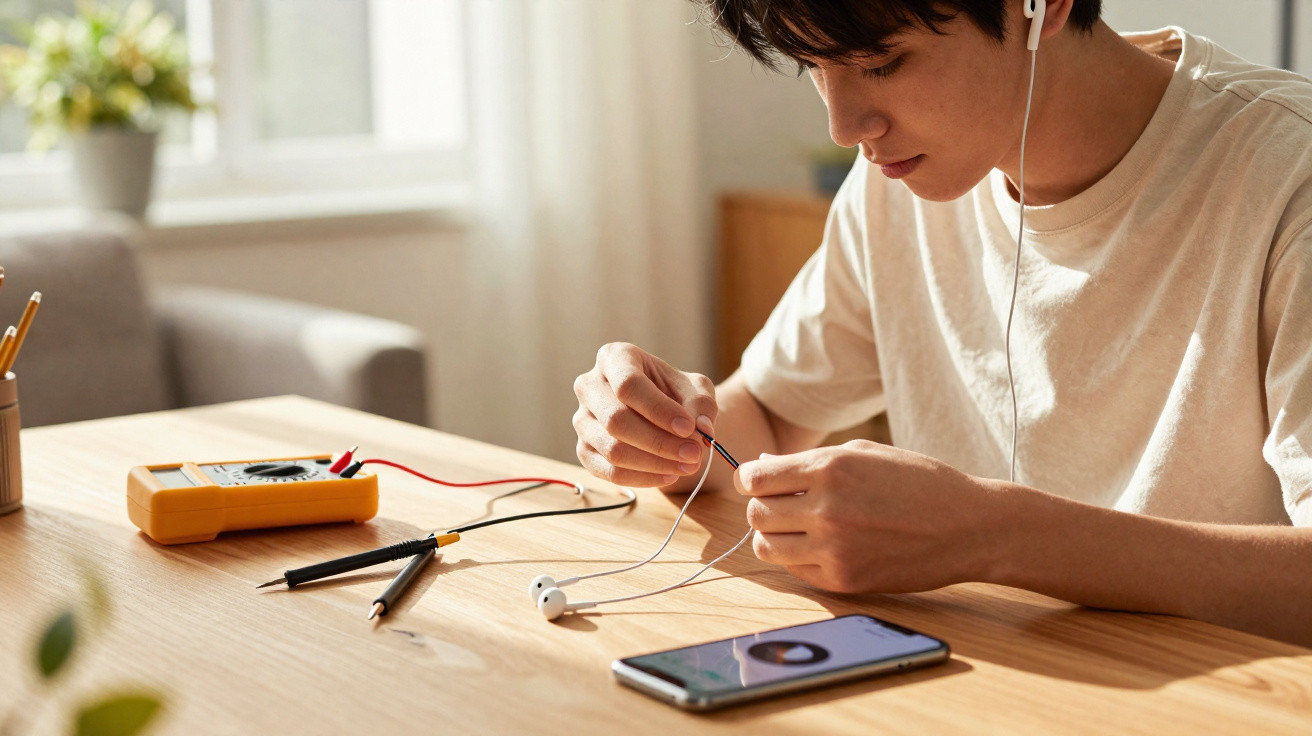
When headphones start producing sound on only one side, many people assume the accessory should be thrown away straight away. In reality, this fault generally has identifiable causes and can often be sorted out at home with care, a few straightforward measures and a quick check of the device settings.
What are the most common causes of headphones working on only one side?
The issue is usually related to the cable, connector, internal speaker or audio settings on a mobile phone, computer or another device. Repeated bending, pulling the headphones out of a pocket, or winding the cable too tightly can break internal wires, especially near the plug or where the cable enters the faulty side.
Poor contact in the connector caused by dust, moisture or oxidation is another common reason for sound failing on just one side. In some situations, the speaker itself is damaged by impacts, while in others the audio balance has been changed in the settings, sending sound to a single channel and creating the misleading impression of a physical fault.
How can you tell whether the fault is in the headphones or the device?
Start by trying the headphones with another device, then connect a different pair of headphones to the original device and check whether the same side remains silent. Gently moving the cable while music is playing can also be useful: if sound returns when a particular area is moved, there is likely a partial break or poor contact at that point.
Before replacing the accessory, check the sound balance and any accessibility features, as these may direct audio to only one side. The following simple steps make it easier to identify the source of the problem more reliably:
- Cross-test: try the same headphones on different devices and another pair of headphones on the original device.
- Visual inspection: look for sharp bends, cracks in the cable or distortion of the plug.
- Controlled movement: move the cable at specific points while audio is playing.
How can you repair headphones working on only one side at home?
Once it is clear that the fault lies with the headphones, a few basic home fixes may be worth trying. If the plug has poor contact, careful cleaning with a cotton bud lightly dampened with isopropyl alcohol can remove dirt and oxidation, improving its connection with the device socket.
Where an internal break is suspected at a particular point, reinforcing that section with electrical tape or heat-shrink tubing may temporarily stabilise the contact. More extensive repairs, such as opening the silent earpiece or the plug casing to resolder wires, require tools and basic electronics knowledge, as well as care to disconnect everything and work in a dry environment.
What care helps extend the lifespan of headphones?
Simple everyday habits can greatly reduce the chances of headphones working on only one side again. Storing the accessory without sharply bending the cable, making wider loops and avoiding pressure from bags or pockets already lowers the risk of internal wire damage considerably.
It is also important to remove the plug by holding its base, keep the headphones away from moisture and intense heat, and carry out light, regular cleaning. Checking the cable and connector from time to time makes it possible to spot early signs of wear, preventing unexpected problems and extending the accessory’s lifespan with minimal effort.


Comments
No comments yet. Be the first to comment!
Leave a Comment