
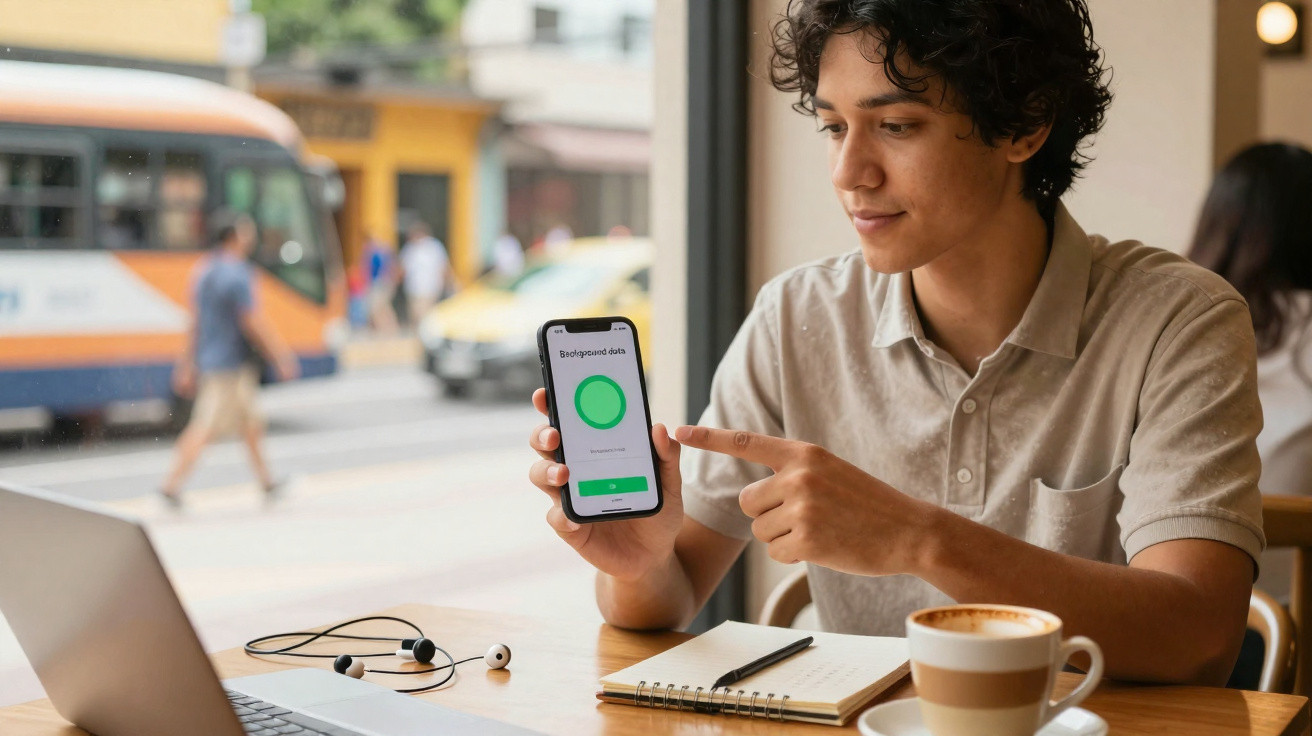
You check your phone at 3:17 p.m. and immediately feel a drop in your stomach: just 19% battery remains, you have no charger, two meetings still ahead and a journey home to make.
You could have sworn you barely used it. A few WhatsApp messages, a brief Instagram scroll and one email conversation. Still, that small green indicator has somehow drained away as though you had spent hours gaming.
Most of us respond in exactly the same way: lower the screen brightness, frantically close apps and turn on battery saver as if it were an emergency.
Yet the real battery drain is often caused by something else entirely: a setting you almost never consider.
It takes only three minutes to alter, but it can quietly give you the rest of your day back.
The silent battery killer you hardly notice
We tend to assume battery drain comes from things we actively do, such as streaming videos, taking photos or playing Candy Crush on the bus.
In reality, the less exciting explanation is often the right one. Your phone can lose substantial amounts of power while you are not touching it at all, sitting on a table with its screen off and seemingly at rest.
During that time, a background process can keep running: apps continually connect to networks, refresh themselves, search for nearby Wi-Fi and hunt for the strongest available signal.
One setting can make this activity particularly intense: aggressive background data and sync over a power-hungry, permanently active connection.
Imagine the routine. You leave home using 4G or 5G, travel on the Underground and lose reception, return above ground, connect to office Wi-Fi, then head out for lunch and switch back to mobile data.
Each of these changes creates a small burst of activity inside the handset.
Apps start syncing, updating feeds, uploading pictures, retrieving notifications, looking for new adverts and refreshing widgets. That includes your email, calendar, social media, notes and even the weather app you downloaded three years ago.
In theory, this is “smart” connectivity. In reality, your battery is footing the bill as if it were at an all-you-can-eat network buffet.
The principle is straightforward.
Your phone is built to feel immediate: fresh emails are waiting, TikTok is updated and maps are loaded before you even open them. Background activity is what creates that impression of speed.
Every app communicates with the network, contacts servers, wakes the processor and activates the modem. Any one of these actions would not cause much trouble, but dozens of them occurring all day over mobile data can consume 20–30% of a battery without you opening those apps at all.
The answer is not to live like a monk using airplane mode.
Instead, give your phone one clear instruction: “Stop working so hard when I’m not looking.”
The 3-minute setting change that calms your phone down
The most effective change requiring the least effort is to restrict background data and auto-sync for apps that are not essential, particularly when using mobile data.
There is no need to delete or uninstall them. Simply keep them under control.
On Android, go to Settings → Network & internet → Mobile network → Data usage, then select individual apps and turn off “Background data” for those that do not need to operate around the clock.
On iPhone, open Settings → Mobile Data (or Cellular), scroll through the list and remove mobile data access from apps that do not need it while you are out and about.
A few taps over three minutes can stop your phone waking itself whenever an app decides it wants to “check in”.
This is where many people struggle: they either leave everything unchanged or take restrictions too far.
They switch off every option, then complain when messages are delayed or maps fail to load.
There is no need to take such an extreme approach.
Leave unrestricted access for apps that matter in real time, including messaging, calls, navigation and perhaps work email. Then limit background data more gently for everything else: shopping apps, games, airline apps used twice a year and social media apps that do not need to alert you every minute.
Realistically, nobody needs immediate notifications from three separate shopping apps and two loyalty schemes.
This straightforward adjustment works because it tackles three major hidden sources of drain simultaneously.
“Every time your phone talks to the network, it uses more power than when it just sits there thinking,” says a mobile engineer I interviewed who has worked on modem optimization for major Android brands. The screen isn’t the only guilty one. The antenna is thirsty, too.
- Fewer wake-ups: Your phone no longer activates the modem unnecessarily merely to update a feed in the background.
- Less constant syncing: Apps stop downloading information that you may not look at for several hours.
- Calmer processor: With fewer network requests, the processor and radio can remain in low-power states for longer.
A small settings change applied across 40–60 apps can soon translate into hours of additional usable battery in everyday life.
Living with a calmer phone in a busy day
The surprising thing about this three-minute adjustment is that it does not make your phone “worse”.
It can actually make it feel more human.
Notifications become limited to the things that matter, while your battery percentage stops causing quiet anxiety every afternoon.
You open Instagram when you choose to, rather than when it flashes an unnecessary alert about someone “liking a reel you might like.”
Even on a demanding day, you may find your phone lasts until late evening with 30–40% battery still remaining.
| Key point | Detail | Value for the reader |
|---|---|---|
| Limit background data | Prevent non-essential apps from using mobile data in the background | Reduces hidden battery drain when you are not using your phone |
| Prioritise core apps | Keep messaging, maps and important email fully active | Remain connected when it genuinely matters |
| Review once a season | Spend five minutes checking every few months | Stop newly installed apps from quietly consuming battery |
FAQ:
- Question 1 Will limiting background data stop my notifications completely?
- Answer 1 No. Keep background data enabled for messaging apps and email that matter to you. Restrict only apps where immediate alerts are not important, such as shopping apps or certain social media apps.
- Question 2 Is this different from battery saver mode?
- Answer 2 Yes. Battery saver is a broad temporary setting. Adjusting background data and sync is a permanent, focused change that operates quietly each day.
- Question 3 Will this make my phone slower?
- Answer 3 Apps may need an extra second to refresh after you open them, but the phone can often feel faster overall because the system is not burdened by background tasks.
- Question 4 Do I need extra apps to do this?
- Answer 4 No. Android and iOS both already provide every setting required. Third-party “battery saver” apps are rarely superior to the built-in options.
- Question 5 How often should I review these settings?
- Answer 5 Reviewing them once every few months is sufficient, or whenever the battery suddenly seems to deteriorate after you install new apps.






Comments
No comments yet. Be the first to comment!
Leave a Comment