
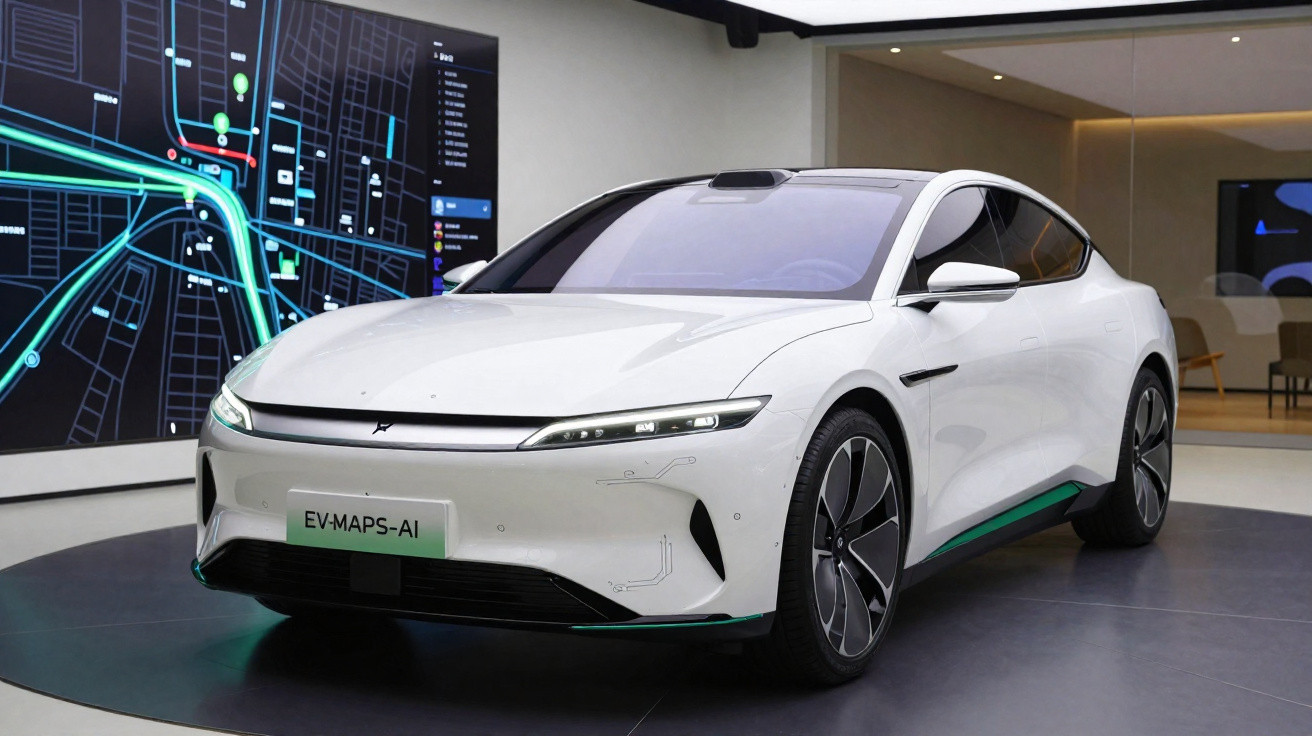
Google has announced a new Google Maps feature for Android Auto aimed at electric-car drivers. It provides an estimated battery level on arrival, recommends charging stops and calculates an arrival time that includes charging time. For now, however, the feature is available only in the United States.
Google Maps is continuing to support the move towards electric cars by introducing tools designed specifically for this type of vehicle. This March, the company is unveiling a new AI-powered Android Auto feature, tailored to individual vehicle models, to make charging management easier.
Google Maps for Android Auto: how the charging feature works
To use it, drivers must first add their vehicle to Google Maps and enter their destination. The system then uses the vehicle's charge level to provide recommended charging stops, predict the battery level upon arrival and estimate the arrival time while factoring in the time needed to recharge.
A feature currently limited to the United States
The drawback is that this particularly useful feature is not currently available in the UK. Although it supports more than 350 electric-car models from 15 brands, with further additions already announced, Google is launching it only in the United States. There is currently no indication of when it may roll out internationally.
To deliver this feature, Google Maps is again drawing on its recent progress in artificial intelligence. “To provide accurate predictions on battery range for hundreds of vehicles, we combine AI with advanced energy models that analyse vehicle details - such as weight and battery size - alongside Maps' real-time information on traffic, road elevation and weather conditions,” Google explains.
Google has also already replaced Google Assistant with Gemini in Google Maps. Through AI, the company has additionally created a more interactive interface, offering more information, for navigation in its app.





Comments
No comments yet. Be the first to comment!
Leave a Comment